
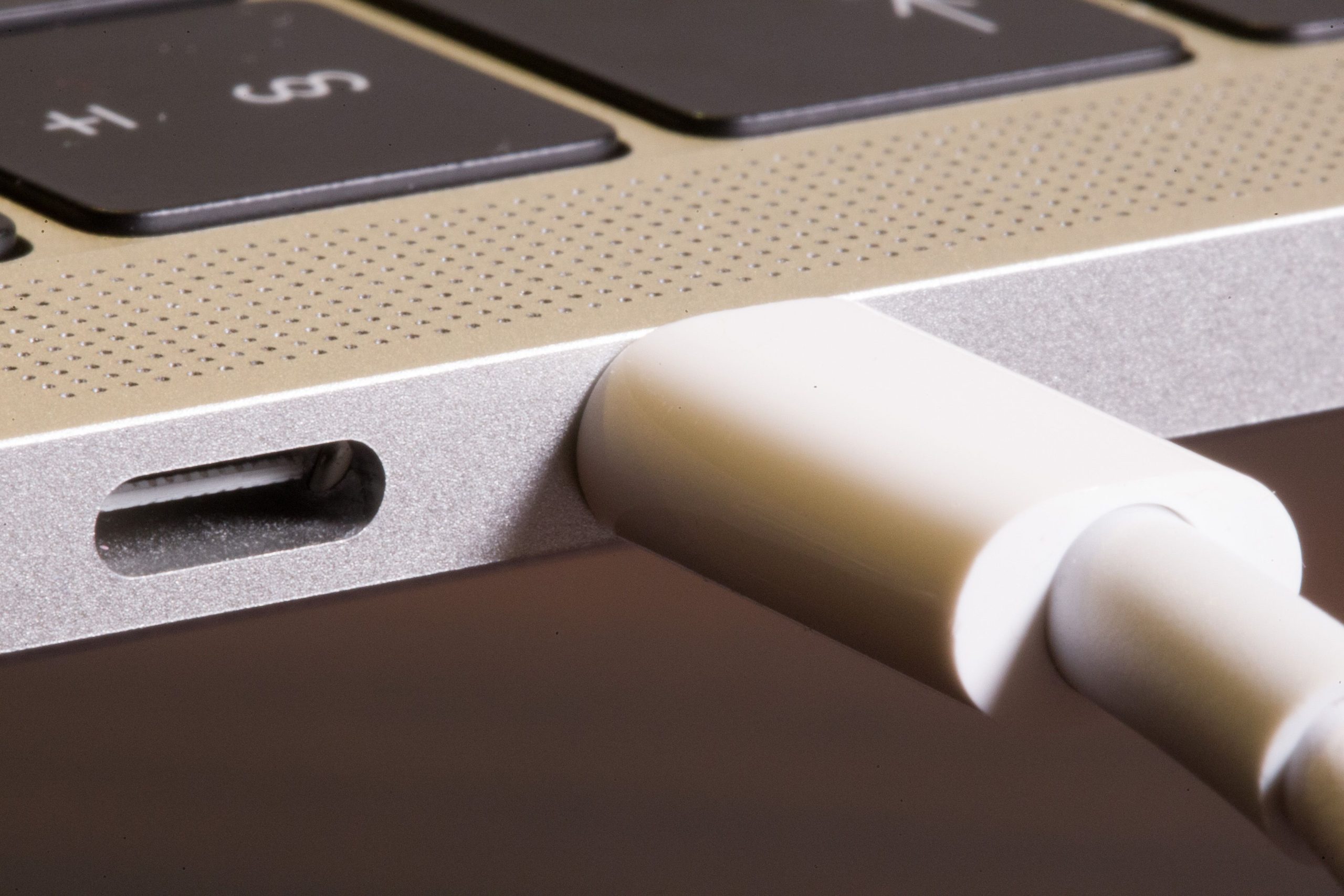
Optimize MacBook Battery Life: How to Limit Charging to 80 Percent
As laptop batteries age, their performance inevitably declines. However, MacBook users can take a proactive step to slow down this deterioration by adjusting their device’s charging settings. By limiting the battery charge to 80 percent, users can potentially extend the lifespan of their MacBook’s battery. This tweak is based on the understanding that lithium-ion batteries, like those used in MacBooks, experience stress when they are consistently charged to 100 percent. By reducing the charge limit, users can minimize this stress and help maintain their battery’s overall health. This simple yet effective technique can be implemented to promote a longer and healthier battery life, ultimately reducing the need for frequent replacements and minimizing electronic waste.
This article may be prepared with the assistance of artificial intelligence (AI) and is reviewed before publication. While we aim for accuracy and timeliness, readers should verify important facts from official or primary sources. If you believe any information is inaccurate or that any content infringes your rights, please contact ainewsbreaking.com for review and appropriate action.